 ToneHub
Get the tone. Learn the song.
Play ToneHub a song. Get its tone on your amp, then learn it.
Free forever. No ads, ever.


Everything for guitar. One app.
-
What's playing?
Let it listen, or use a file.
-
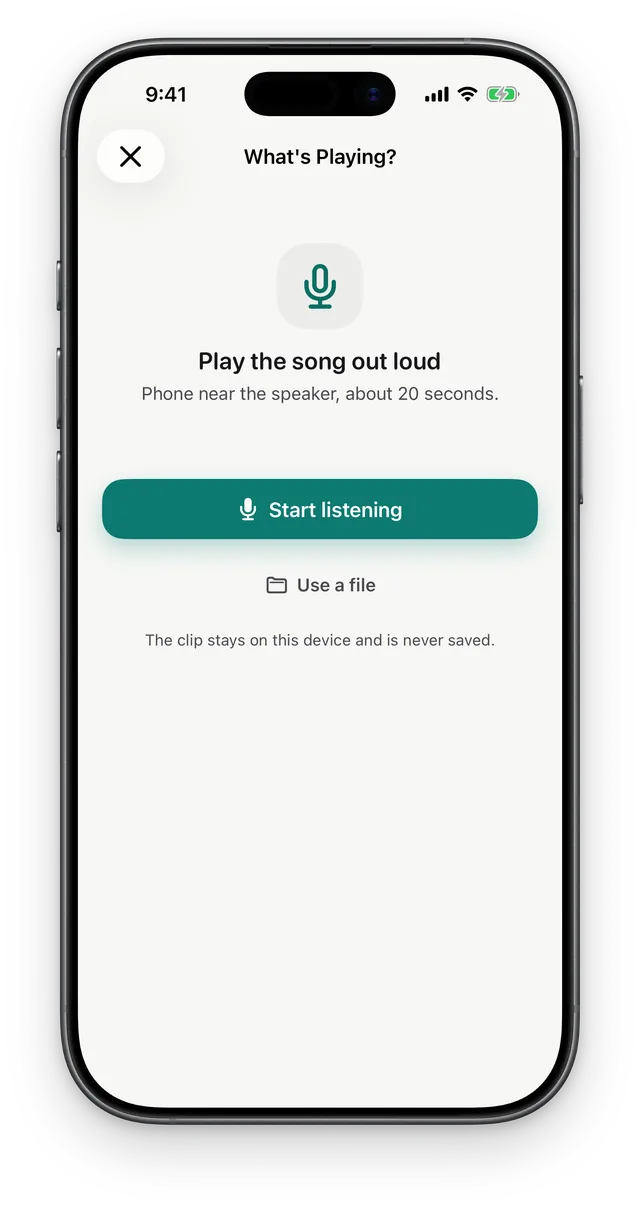
Just let it listen
Hold your phone near the speaker.
-
Your amp, dialed in
Settings in your amp's own knobs.
-
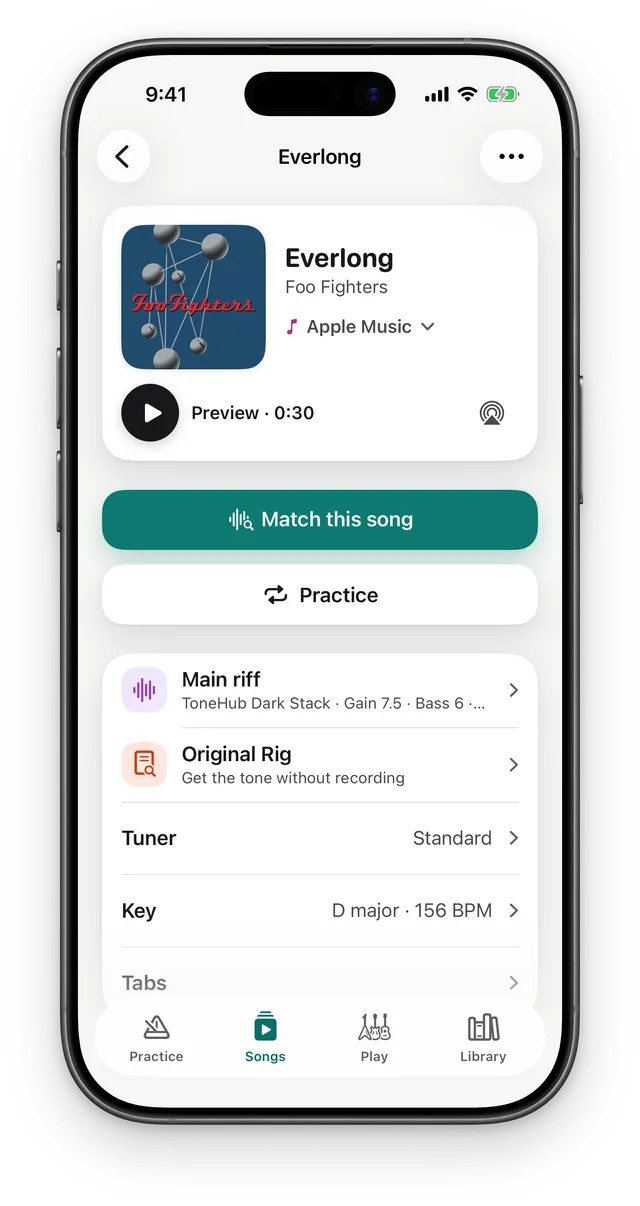
One page per song
Tuning, key, tempo and tabs.
-
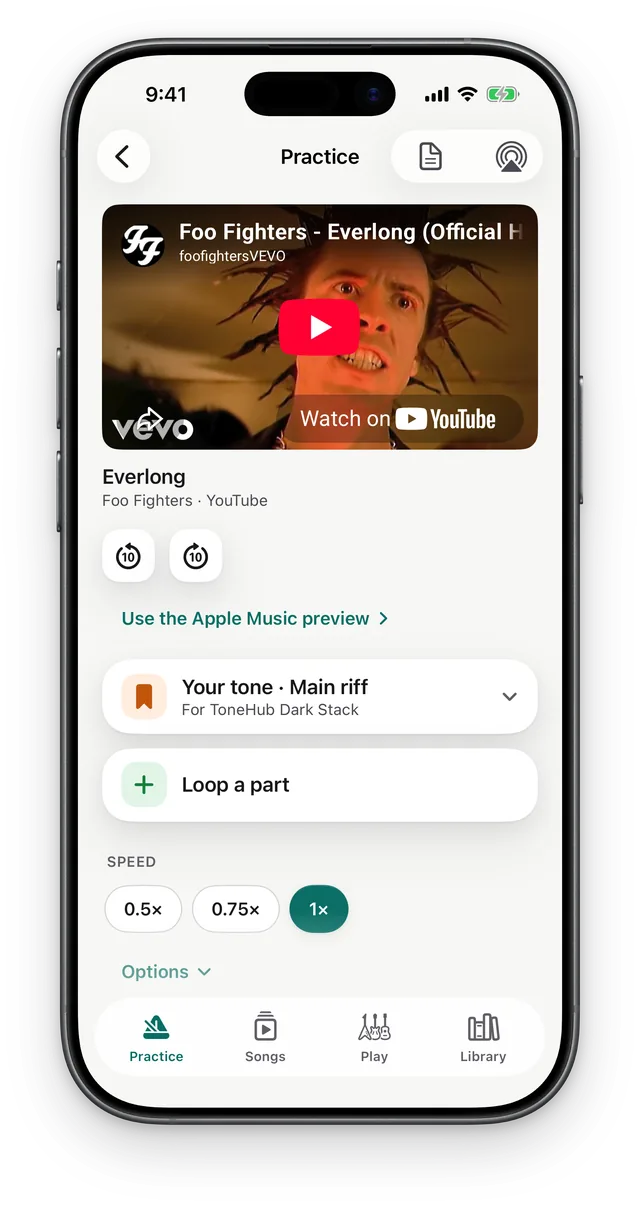
Play along, slow it down
Loop a part at 0.5× or 0.75×.
-
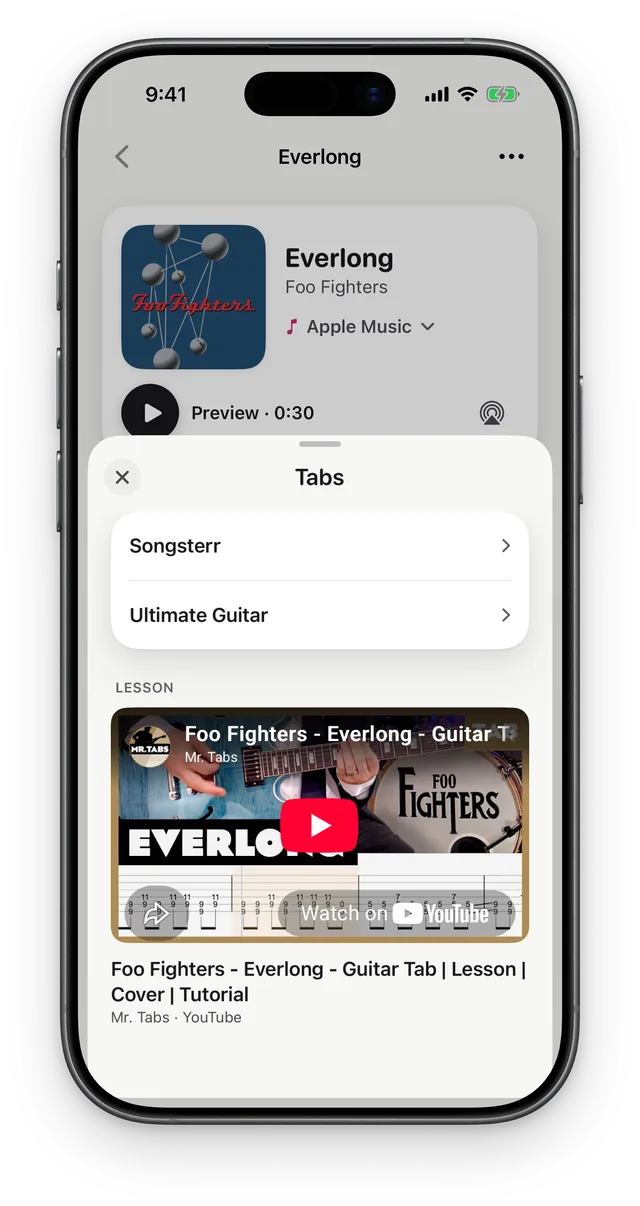
Tabs in one tap
Songsterr, Ultimate Guitar and lessons.
-
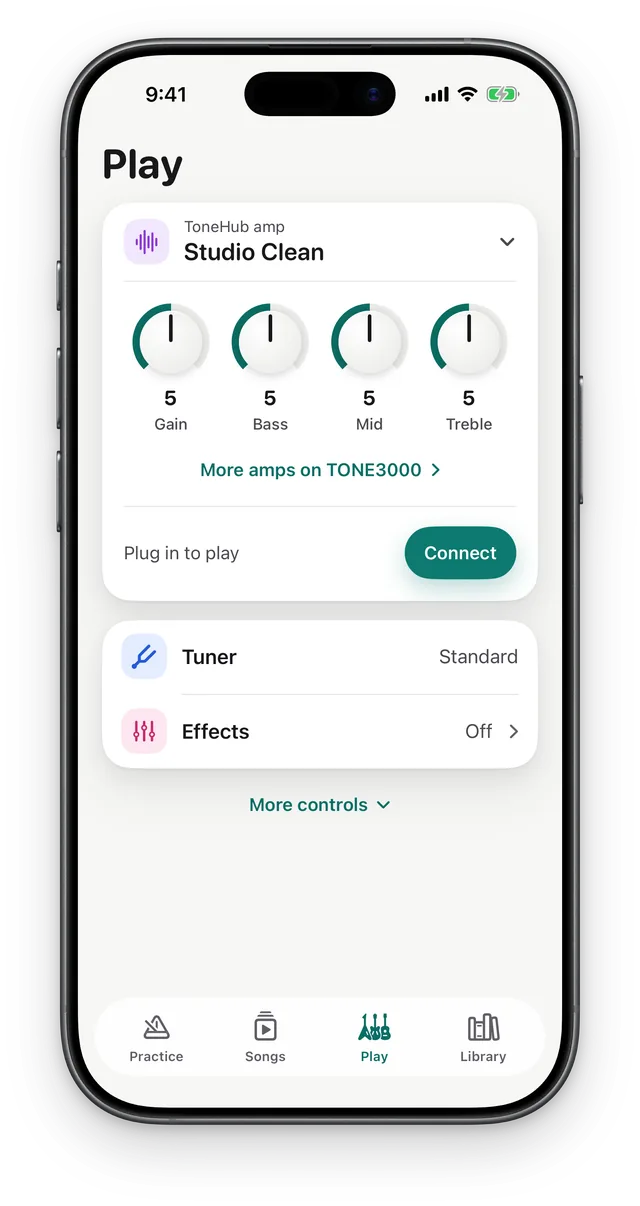
Plug in and play
A real amp, right on your iPhone.
-
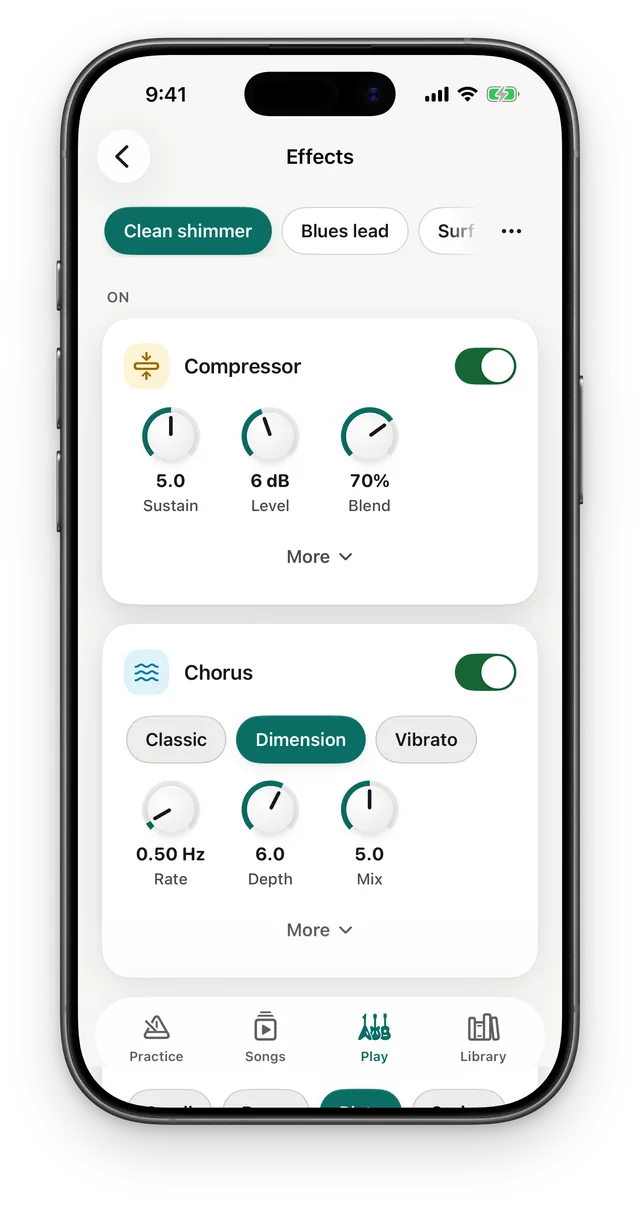
A full pedalboard
Compressor, drive, chorus, delay, reverb.
-
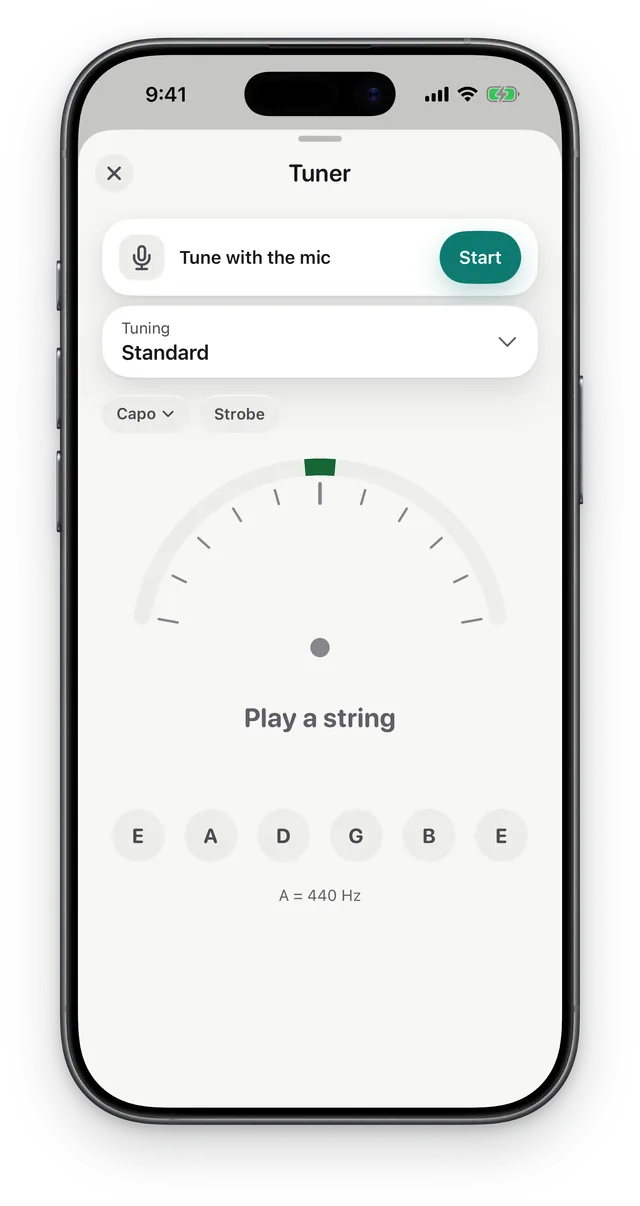
Tune up fast
Strobe, capo and alternate tunings.
-
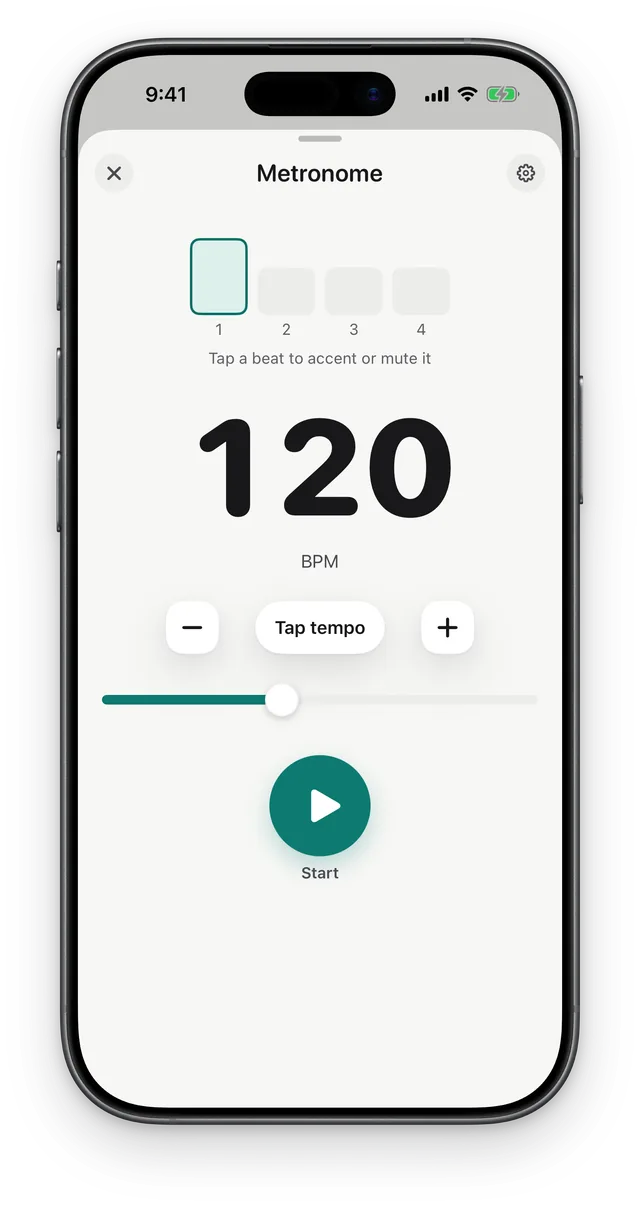
Keep perfect time
Tap tempo and accents.
-
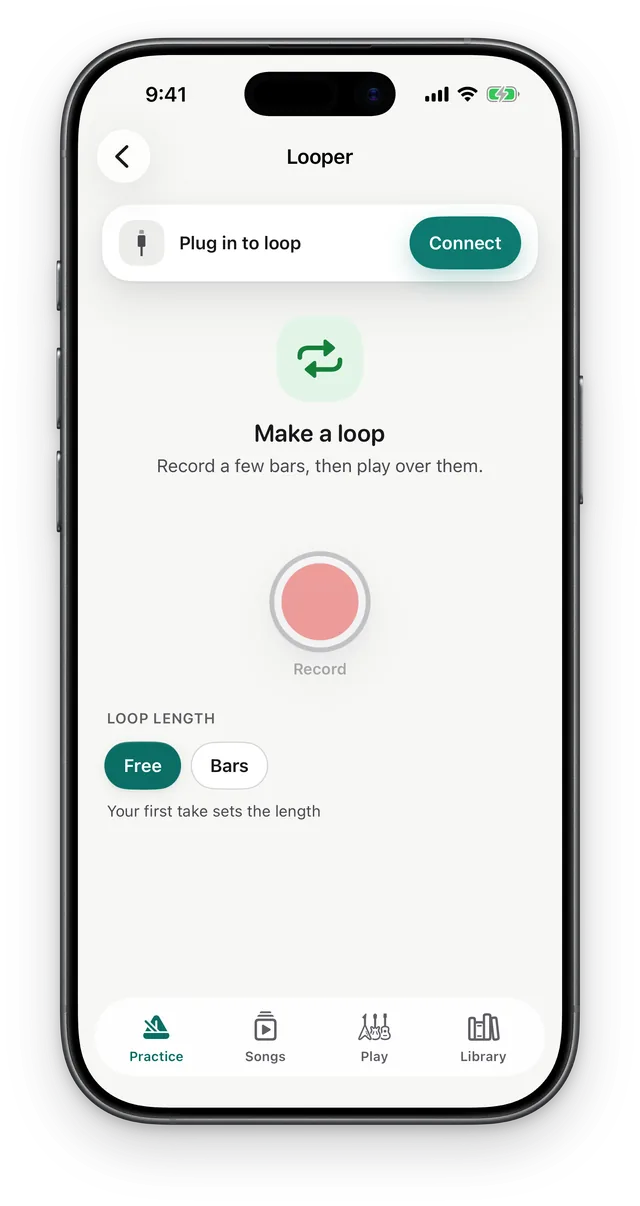
Loop and layer
Record a few bars, play over them.
-
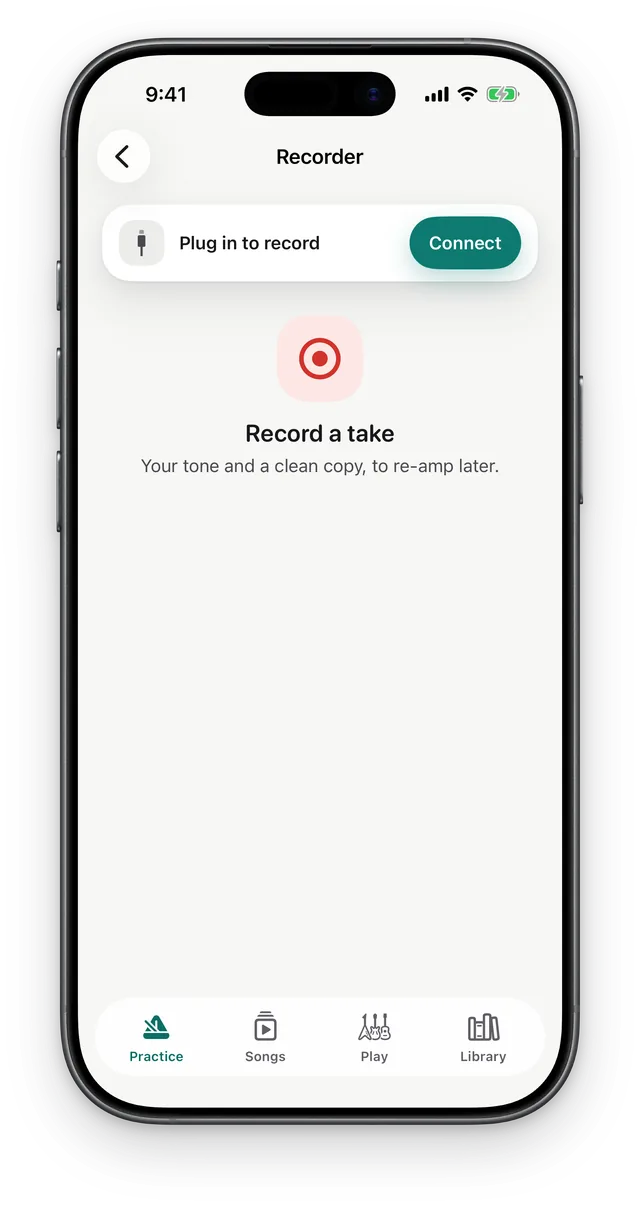
Record your takes
Every idea, saved.
-
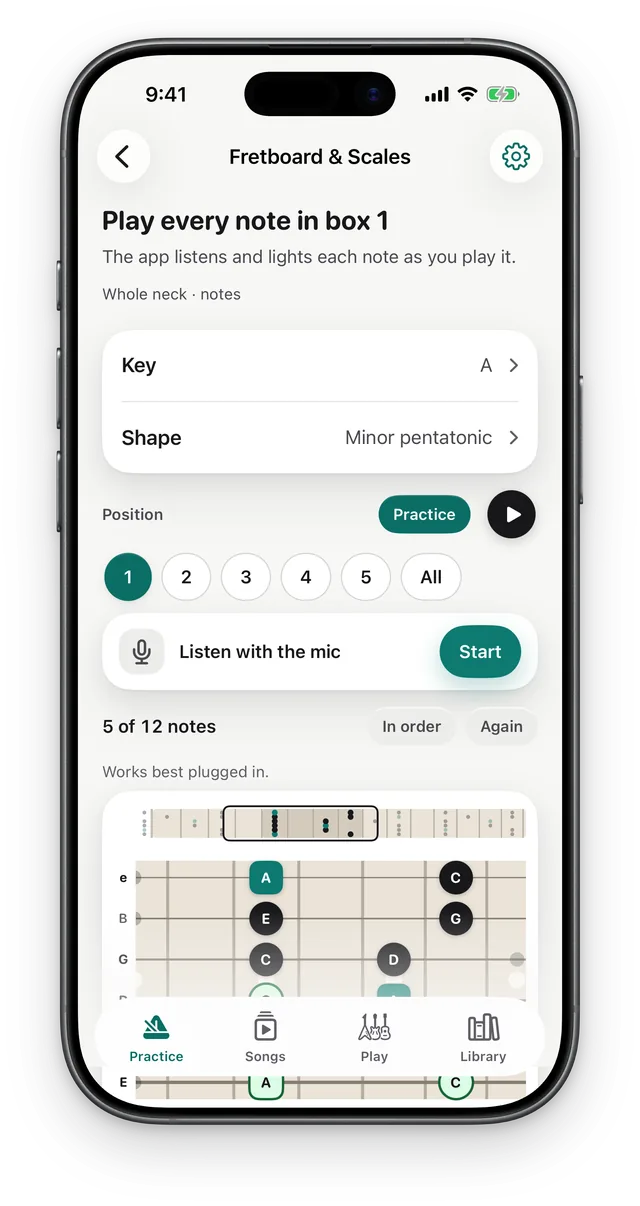
Learn the fretboard
Scales and shapes, all up the neck.
-
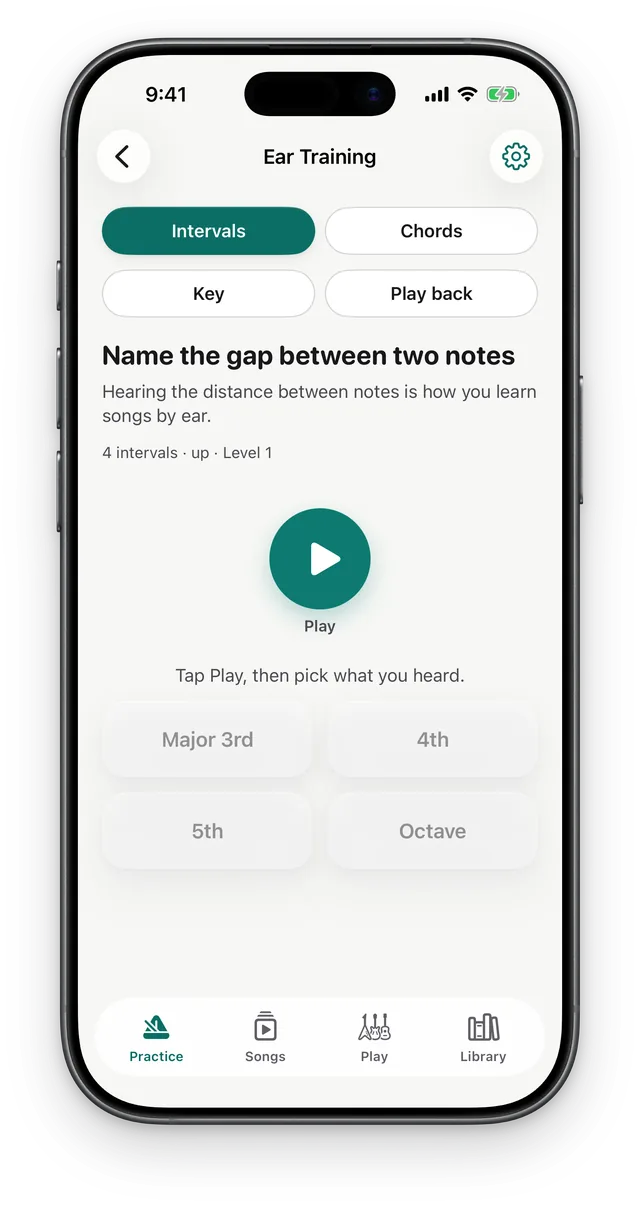
Train your ear
Intervals, chords and keys.
-
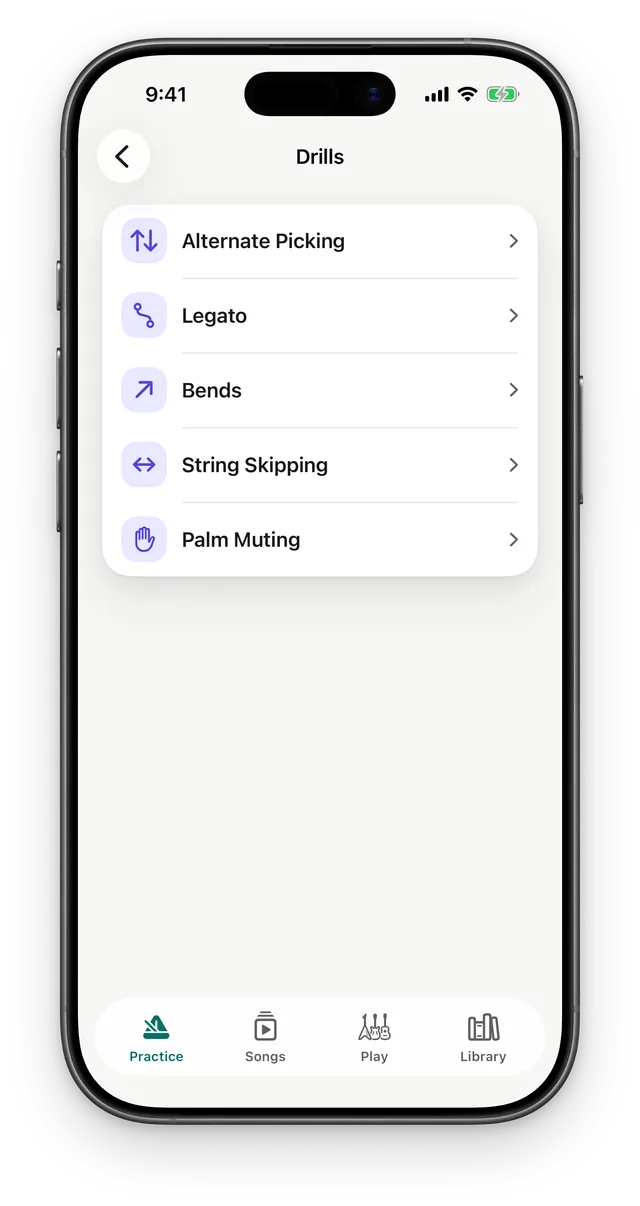
Technique drills
Picking, legato, bends and more.
How Match works
Three steps from song to sound.
-
1Play it
Let it listen, or trim a file to the part.
-
2Match it
ToneHub hears the tone and finds the settings.
-
3Play it on your amp
Set your amp's own knobs and play.

Free forever. No ads, ever.
- No ads
- Nothing to unlock
- Every feature included
FAQ
Does Match work with my amp?
Yes. Pick your amp and you get settings in its own knobs.
Do I need an audio interface?
Only to play through ToneHub's amp. Everything else uses your iPhone's mic.
Is my audio uploaded?
No. Audio stays on your iPhone. See the Privacy Policy.